
Table of Contents
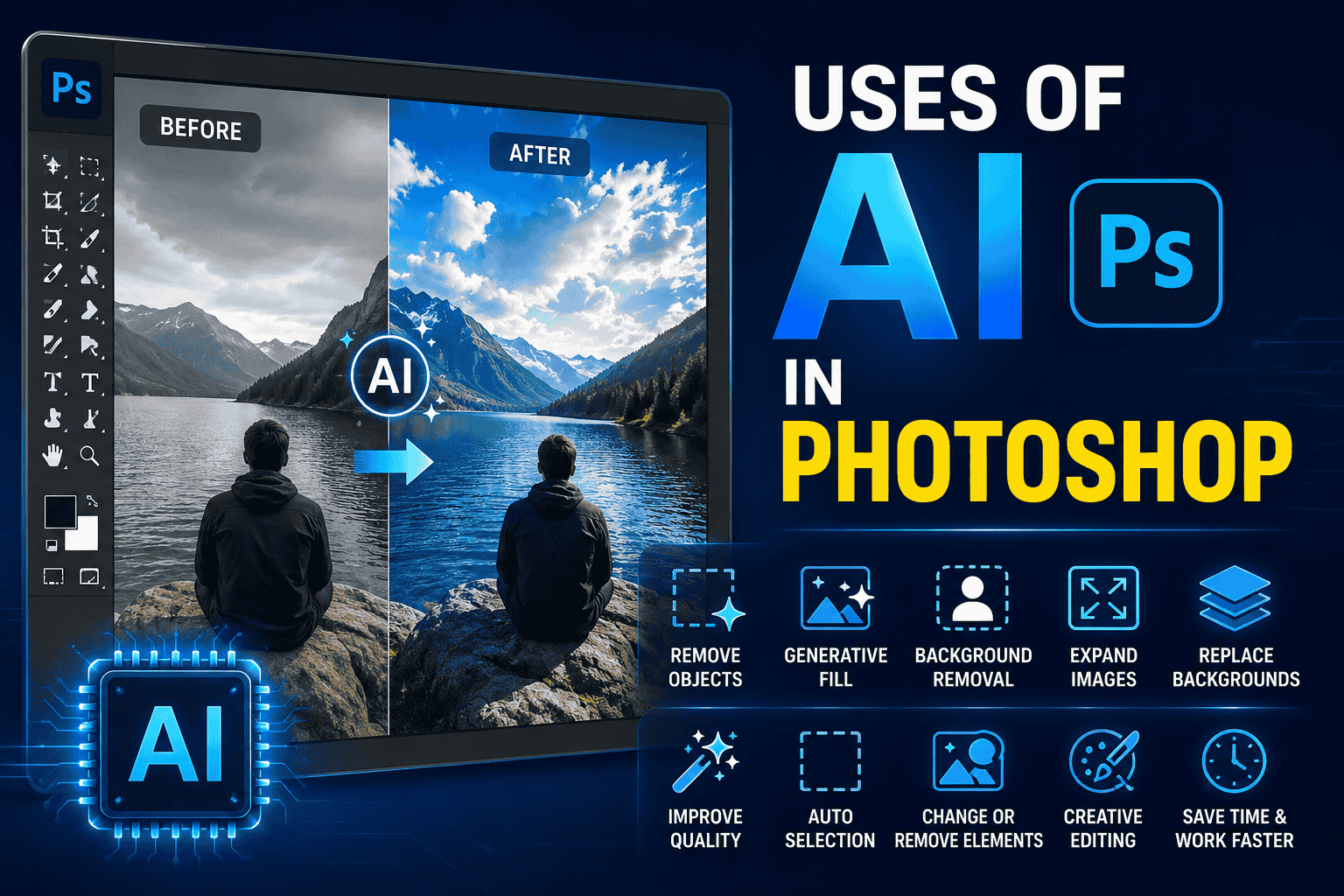
Artificial Intelligence has changed the way people edit photos and create designs. AI in Photoshop helps users perform complex editing tasks faster, including removing unwanted objects, changing backgrounds, generating new elements, improving images, and making creative edits.
You no longer need advanced Photoshop skills for every task. Many AI-powered features can help beginners and professionals save time and improve their workflow.
.jpg)
1. Remove Unwanted Objects
AI can help remove unwanted objects from a photo cleanly, such as:
- People in the background
- Unwanted items or clutter
- Power wires and distractions
- Small blemishes and objects
Photoshop can analyze the surrounding area and generate content to fill the removed space naturally.
2. Generative Fill
Generative Fill allows you to add, remove, or replace elements using text prompts.
For example, you can select an empty area and ask AI to generate:
- A new background
- Trees or clouds
- Furniture
- Creative objects
- Different environments
This makes photo manipulation much faster and opens up endless creative possibilities.
.jpg)
3. Background Removal
AI can automatically detect the main subject in an image and separate it from the background with a single click.
This is useful for:
- Product photos
- Portrait editing
- E-commerce designs
- YouTube thumbnails
- Social media graphics
4. Expand Images with AI
Sometimes an image is too small for your required design size. AI-powered expansion tools (Generative Expand) can extend the background and generate additional content around the original image seamlessly.
This is extremely useful when changing an image orientation from:
- Portrait → Landscape
- Square → Vertical / Banner
.jpg)
5. Replace Backgrounds
AI makes background replacement easier. You can remove the original background and create a completely different environment.
For example, you can transform a normal portrait background into:
- A tropical beach
- Majestic mountains
- A modern luxury office
- A professional photo studio
- A cinematic urban environment
6. Improve Photo Quality
AI-powered tools can help improve the appearance of images by assisting with adjustments such as:
- Brightness & Contrast balancing
- Color grading and saturation
- Detail enhancement and sharpening
- Noise reduction and grain removal
This can make editing faster, especially when working with multiple images simultaneously.
.jpg)
7. Select Objects Automatically
One of the most useful applications of AI in Photoshop is automatic selection.
AI can identify subjects such as:
- People and hair edges
- Foreground objects
- Open skies
- Background elements
- Clothing and accessories
This makes complex masking and selective editing much easier.
8. Change or Remove Background Elements
With AI tools, you can select a specific area and modify it without rebuilding the entire image.
For example, you can remove subtle distractions, replace specific objects, or generate additional realistic details.
.jpg)
9. Create Creative Photo Manipulations
AI allows designers to experiment with creative ideas much faster.
You can create:
- Fantasy surreal scenes
- Cinematic movie posters
- Surreal digital artwork
- Creative social media designs
- Concept art explorations
AI can provide a strong starting point, which you can further refine using traditional Photoshop tools.
.jpg)
10. Save Time in Professional Workflows
The biggest advantage of AI in Photoshop is speed. Tasks that previously required complex selections, masking, cloning, and manual editing can often be completed in seconds.
However, AI works best when combined with human creativity and editing skills. Final manual adjustments are still essential for creating natural and professional results.
Final Thoughts
The use of AI in Photoshop is making photo editing faster and more accessible. From background removal and object selection to Generative Fill and image expansion, AI can simplify many creative tasks.
Whether you're a beginner, graphic designer, photographer, or content creator, learning AI tools in Photoshop can help you work more efficiently and explore new creative ideas.

Comments (0)
Leave a Reply