
Table of Contents
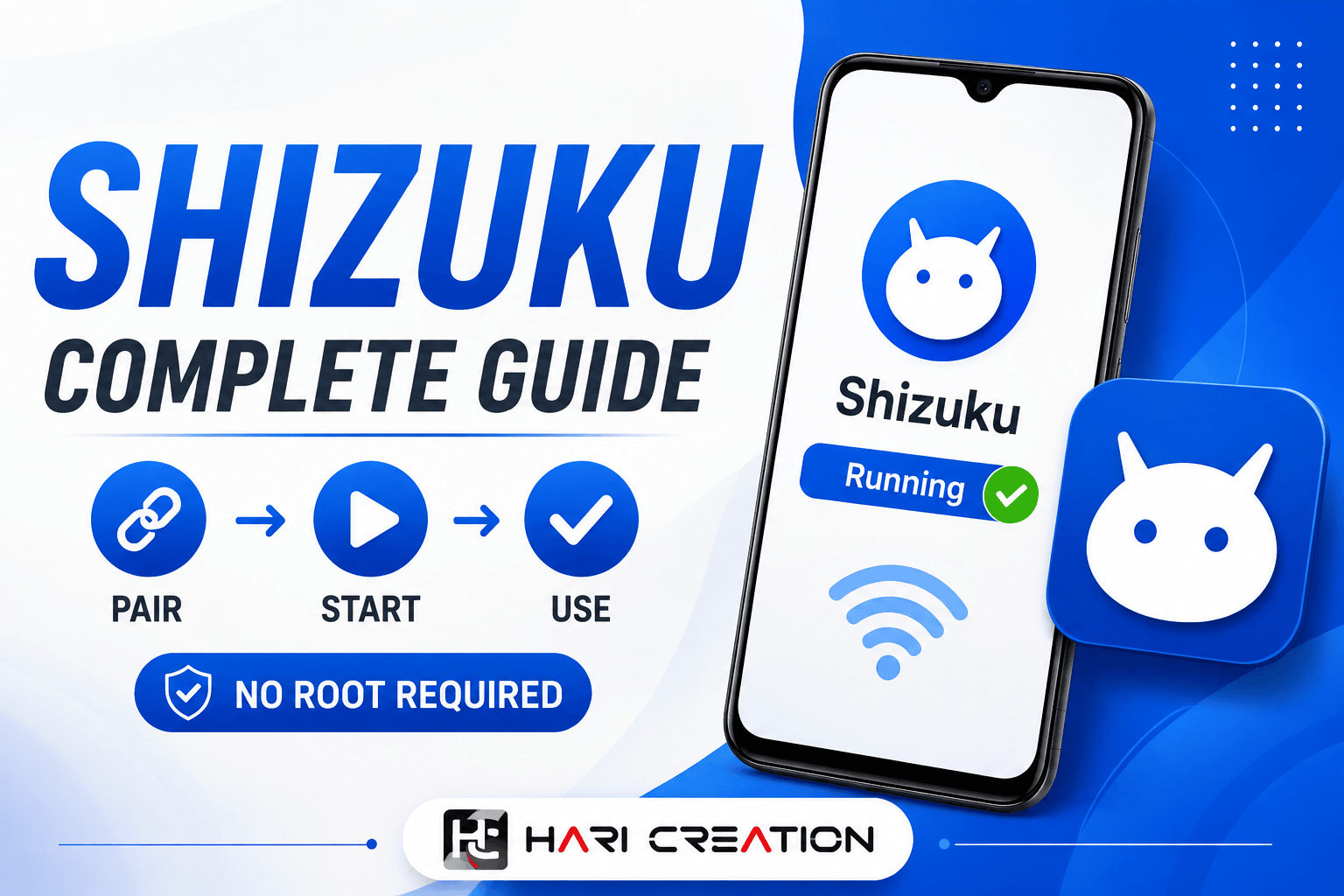
If you've ever wanted to unlock advanced Android features without rooting your device, Shizuku is one of the best tools available. It allows supported apps to access Android system APIs through ADB, enabling powerful functions that normally require root access.
File Specifications & Details
In this guide, you'll learn what Shizuku is, how it works, how to set it up, and how to use it step by step. Whether you're a beginner or an experienced Android user, this tutorial will help you get started quickly.
.jpg)
What Is Shizuku?
Shizuku is a free Android utility that lets compatible apps perform advanced system-level tasks without requiring root access. Instead of modifying your device, it uses Android's official ADB (Android Debug Bridge) service to grant limited system permissions safely.
Many popular Android tools support Shizuku, allowing users to enjoy advanced features while keeping their devices secure and unrooted.
Why Use Shizuku?
Unlike rooting, Shizuku doesn't make permanent changes to your Android system. It simply starts a background service that authorized apps can use to perform specific tasks.
Some benefits include:
- No root required
- Safe and lightweight
- Uses Android's official debugging APIs
- Supports Wireless Debugging
- Compatible with many Android utility apps
- Open-source and regularly updated
Features of Shizuku
Root-Free Advanced Permissions
Shizuku gives compatible apps access to system APIs without rooting your phone, making advanced Android features available to more users.
.jpg)
Wireless Debugging Support
On Android 11 and newer, Shizuku can be started using Wireless Debugging, eliminating the need for a USB cable after the initial setup.
Secure Permission Management
Only apps you authorize can communicate with the Shizuku service, giving you complete control over which applications receive access.
Fast Performance
Shizuku runs quietly in the background with minimal impact on your device's performance or battery life.
.jpg)
How to Use Shizuku App (Step-by-Step)
Setting up Shizuku only takes a few minutes.
Step 1: Install Shizuku
Download and install the latest version of the Shizuku app on your Android device.
Step 2: Enable Developer Options
- Open Settings
- Tap About Phone
- Tap Build Number seven times
- Enter your screen lock if prompted
Developer Options will now be enabled.
Step 3: Turn On Wireless Debugging
- Open Settings
- Go to Developer Options
- Enable Wireless Debugging
- Allow the required permissions
Step 4: Pair the Device
- Open the Shizuku app.
- Tap Pair.
- Select Pair Using Pairing Code.
- Enter the pairing code displayed on your device.
Once paired successfully, you're ready to start the service.
Step 5: Start Shizuku
Inside the app:
- Tap Start
- Wait a few seconds
- Confirm the status changes to "Shizuku is running"
Compatible apps can now request permission to use Shizuku.
.jpg)
Apps That Work with Shizuku
Many Android apps support Shizuku, including:
- File managers
- App managers
- Permission managers
- Automation tools
- System customization apps
- Device maintenance utilities
Simply grant permission when prompted to unlock additional features.
Is Shizuku Safe?
Yes. Shizuku is considered safe because it uses Android's official debugging framework instead of modifying system files. Since it is open source, its code can be reviewed by the community. However, only grant Shizuku access to apps that you trust.
Final Thoughts
Shizuku is one of the best Android utilities for users who want advanced features without rooting their devices. Its secure design, easy setup, and compatibility with many Android apps make it a valuable tool for customization, automation, and system management. Once configured, Shizuku provides a simple and reliable way to unlock additional functionality while keeping your device secure.
Step-by-Step Installation
- Uninstall any previous version of the app from your device.
- Click the download button below to start secure timer verification.
- Download the APK package to your local downloads folder.
- Enable 'Install from Unknown Sources' in your Android security parameters.
- Tap the downloaded APK file and click install to launch.
Verified Secure Download
File Name: download-shizuku-app-what-is-shizuku-and-how-to-use-shizuku-app_haricreation.zip | Size: Varies with device


Comments (0)
Leave a Reply