
Table of Contents
Graphic design is everywhere—from social media posts and websites to product packaging and advertisements. If you've ever wondered how designers create eye-catching visuals, this beginner's guide will help you understand the basics. Whether you're planning to become a graphic designer or simply want to improve your creative skills, learning the fundamentals is the first step toward creating professional designs.
In this guide, we'll cover what graphic design is, the essential design principles, popular design software, and practical tips to help beginners get started.
.jpg)
What Is Graphic Design?
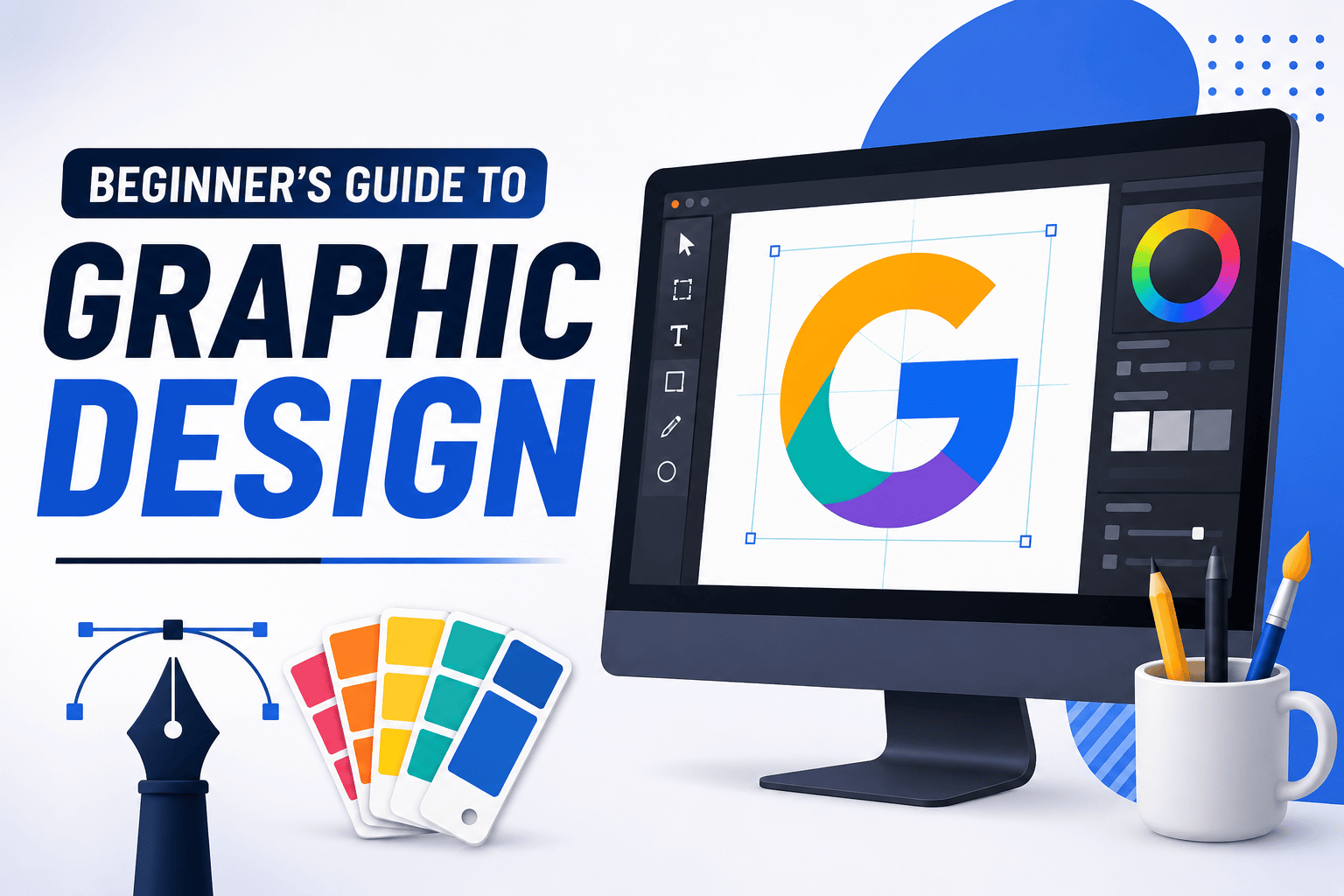
Graphic design is the process of combining images, typography, colors, and layouts to communicate ideas visually. Designers create content that is not only attractive but also easy to understand and effective in delivering a message.
Graphic design is widely used in:
- Logo design
- Social media graphics
- Website design
- Business cards
- Posters and flyers
- Advertisements
- Product packaging
- Presentations
Good graphic design helps businesses build their brand identity and capture the attention of their audience.
Why Learn Graphic Design?
Graphic design is one of the most valuable creative skills today. Whether you're a student, freelancer, entrepreneur, or content creator, understanding design basics can help you create professional-looking visuals.
Some key benefits include:
- Improve creativity and visual communication
- Create engaging social media content
- Build a personal or business brand
- Open career and freelance opportunities
- Design marketing materials without hiring professionals
.jpg)
Basic Principles of Graphic Design
Every great design follows a few important principles. Understanding these concepts will help you create clean and balanced designs.
1. Color
Colors influence emotions and attract attention. Choose a color palette that matches your message and maintains consistency throughout your design.
2. Typography
Typography refers to the fonts you use in your design. Select readable fonts and limit yourself to two or three font styles to keep your layout clean and professional.
3. Contrast
Contrast makes important elements stand out. Use differences in color, size, or weight to highlight headings, buttons, and key information.
4. Alignment
Proper alignment creates an organized and polished layout. Keeping elements aligned improves readability and gives your design a professional appearance.
5. White Space
White space, also known as negative space, is the empty area around design elements. It prevents clutter and helps viewers focus on the most important content.
.jpg)
Essential Graphic Design Tools
You don't need expensive software to start learning graphic design. Many beginner-friendly tools are available.
Popular design tools include:
- Adobe Photoshop
- Adobe Illustrator
- Canva
- Figma
- Adobe Express
- Affinity Designer
- GIMP
Choose a tool that fits your experience level and design goals.
Tips for Beginners
Starting your design journey can feel overwhelming, but these simple tips will help you improve quickly.
- Learn the basic design principles first.
- Practice by recreating simple designs.
- Use high-quality images and icons.
- Keep your layouts clean and uncluttered.
- Stick to a consistent color palette.
- Experiment with different typography combinations.
- Study professional designs for inspiration.
- Practice regularly to develop your skills.
.jpg)
Common Mistakes to Avoid
Many beginners make similar design mistakes. Avoid these to create better visuals:
- Using too many fonts
- Overloading designs with colors
- Ignoring alignment and spacing
- Choosing low-quality images
- Adding too much text
- Copying designs without learning the principles behind them
Simple, clean designs are often more effective than overly complicated ones.
Career Opportunities in Graphic Design
Graphic design offers a wide range of career paths. Depending on your interests, you can work as a:
- Graphic Designer
- UI/UX Designer
- Brand Designer
- Logo Designer
- Social Media Designer
- Web Designer
- Packaging Designer
- Freelance Designer
With experience and a strong portfolio, graphic designers can work with clients worldwide.
Frequently Asked Questions
Is graphic design difficult to learn?
No. Anyone can learn graphic design with regular practice and a solid understanding of the basic principles.
Which software is best for beginners?
Canva is ideal for beginners, while Adobe Photoshop and Illustrator offer more advanced features as your skills grow.
Do I need drawing skills?
No. Most graphic design work relies on creativity, layout, typography, and software rather than drawing ability.
Can I become a graphic designer without a degree?
Yes. Many successful designers are self-taught and build their careers through strong portfolios and practical experience.
Final Thoughts
Learning graphic design is an exciting journey that combines creativity with problem-solving. By understanding design principles, practicing consistently, and using the right tools, you can create professional-quality visuals for personal projects, businesses, or freelance work. Start with the basics, keep experimenting, and continue improving your skills with every project.
.png)
Comments (0)
Leave a Reply